
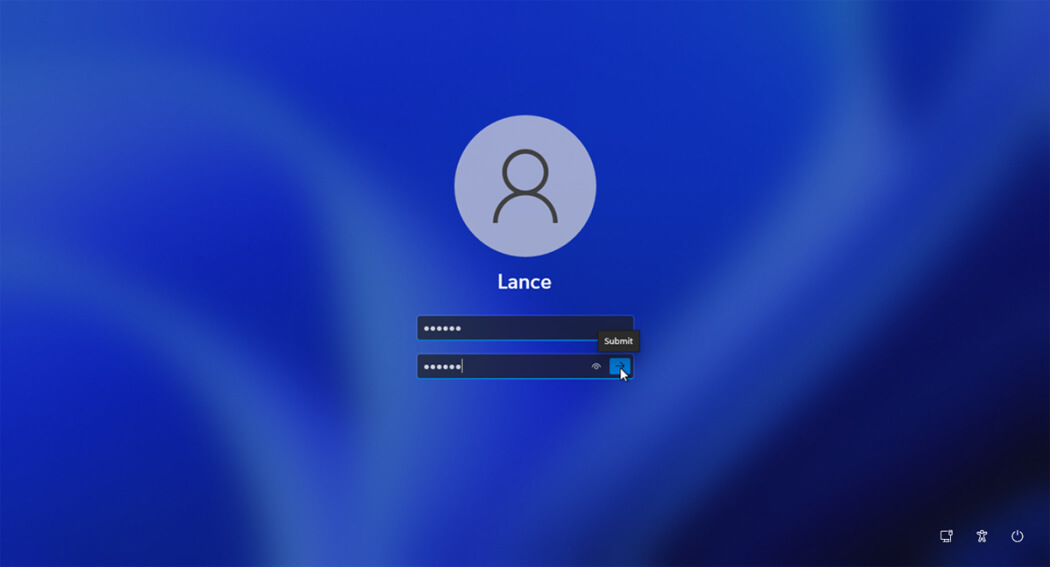
Forgetting your computer password can be stressful. Many Windows users face this problem, especially after changing a password or not using the PC for a long time. If you are locked out of your system, do not worry. A Windows 11 password reset is possible in many simple ways.
This guide explains how to reset your Windows 11 password even if you cannot log in. Everything is written in very easy English so beginners can understand. You will learn free methods, CMD solutions, password reset tools, and how to reset Windows 11 without a disk.
What Is Windows 11 Password Reset?
A Windows 11 password reset means removing or changing the password of your Windows account so you can log back into your computer. This can be done for local accounts and Microsoft accounts.
Many users search for how to reset Windows 11 password without logging in because they are fully locked out of their PC. Windows provides some built‑in options, and there are also free tools that help reset passwords safely.
Common Reasons People Forget Windows 11 Password
Forgetting a Windows password is very common. It usually happens when users change their password recently or use multiple devices with different passwords. Sometimes a system update or account change can also cause login problems.
Other reasons include buying a used PC, setting a password long ago, or not logging in for months. No matter the reason, Windows 11 password recovery is possible.
How to Reset Windows 11 Password Without Logging In
If you cannot access your desktop, there are still ways to reset your password. The method depends on whether you use a Microsoft account or a local account.
For Microsoft accounts, Windows allows password reset online. For local accounts, you can use recovery options, CMD commands, or password reset tools.
Method 1: Reset Windows 11 Password Using Microsoft Account
If your Windows 11 is linked to a Microsoft account, this is the easiest method.
You can reset your password from another device by visiting Microsoft’s official account recovery page. After changing the password, connect your locked PC to the internet and sign in with the new password.
This method works well and is completely safe because it is handled by Microsoft directly.
Method 2: Windows 11 Password Reset Without Disk
Many users search for Windows 11 password reset without disk because they do not have a recovery USB.
Windows 11 allows password reset using built‑in recovery options. When you enter the wrong password multiple times, Windows may show a reset option. If security questions were set earlier, you can answer them to create a new password.
This method only works if security questions were added when the account was created.
Method 3: Windows 11 Password Reset Using CMD
Advanced users often search for Windows 11 password reset CMD because it allows password changes through Command Prompt.
This method uses Windows recovery mode to open Command Prompt and replace system files to access CMD at the login screen. From there, a new password can be set using commands.
This method is powerful but should be done carefully. It works only for local accounts and requires basic technical knowledge.
Method 4: Windows 11 Password Reset Tool (Best Option)
If built‑in methods do not work, a Windows 11 password reset tool is the best solution. These tools are designed to remove or reset passwords safely.
Most tools work by creating a bootable USB on another computer. You then boot your locked PC using that USB and reset the password in minutes.
Many tools offer:
- Password reset without data loss
- Support for Windows 11 local accounts
- Simple step‑by‑step interface
- Free and paid versions
This is the most reliable option for beginners.
Windows 11 Password Reset Free Tools – Are They Safe?
Many users look for Windows 11 password reset free tools to avoid paying money. Some free tools work well, but not all are safe.
Trusted free tools usually offer limited features, such as resetting local account passwords only. Paid tools often support more features like Microsoft account recovery and advanced security bypass.
Always download tools from official websites to avoid malware.
How to Reset Windows 11 Without Password (Factory Reset)
If nothing works, you can reset Windows 11 completely. This removes the password but also deletes installed apps.
Windows 11 allows system reset from recovery mode. You can choose to keep personal files or remove everything. This option is best if you do not care about installed programs.
This method guarantees access but should be used as a last option.
How to Recover Passwords on Windows 11
Many users ask how to recover saved passwords in Windows 11. Windows stores some passwords for Wi‑Fi, browsers, and apps.
If you can access your account, you can view saved Wi‑Fi passwords and browser passwords from system settings. However, Windows does not show login passwords for security reasons.
If you forget your login password, reset is the only option.
Local Account vs Microsoft Account Password Reset
Understanding your account type is very important.
A Microsoft account password can be reset online, while a local account requires system access or tools. Most password reset tools work best for local accounts.
Using a Microsoft account makes future recovery easier, especially for beginners.
Why Windows 11 Password Reset Tools Are Recommended
Password reset tools are popular because they work even when you are completely locked out. They do not require technical skills and usually keep your files safe.
For home users, students, and small businesses, these tools save time and prevent data loss. Many IT experts also recommend them for emergency access.
Security Tips After Resetting Windows 11 Password
After resetting your password, it is important to secure your system again.
You should create a strong password, enable sign‑in options like PIN or fingerprint, and add recovery options. Writing down your password in a safe place also helps avoid future problems.
Good security habits prevent repeated lockouts.
Final Thoughts
A Windows 11 password reset is not difficult if you use the right method. Whether you choose Microsoft account recovery, CMD, a password reset tool, or a system reset, there is always a solution.
This guide is written to help beginners and everyday users regain access to their PC without stress. Using trusted tools and following safe steps ensures your data stays protected.
Frequently Asked Questions (FAQs)
How do I log into Windows 11 if I forgot my password?
If you use a Microsoft account, reset the password online. For local accounts, use recovery options or a Windows 11 password reset tool.
How to reset Windows 11 without password?
You can reset Windows 11 from recovery mode or use a password reset tool to remove the password.
How do I recover my passwords on Windows 11?
Windows does not show login passwords. You must reset the password to regain access.
Is Windows 11 password reset free?
Some methods are free, such as Microsoft account recovery and built‑in tools. Third‑party tools may offer free versions with limits.
Can CMD reset Windows 11 password?
Yes, Command Prompt can reset local account passwords if used correctly in recovery mode.
Will I lose data after resetting my password?
Most password reset methods do not delete data. A full system reset may remove apps.
Conclusion
Windows 11 password problems are common, but they are always fixable. By using the correct reset method, you can safely unlock your computer and protect your files.
